Episode 5: What Older Adults Need to Know About Safe Online Shopping
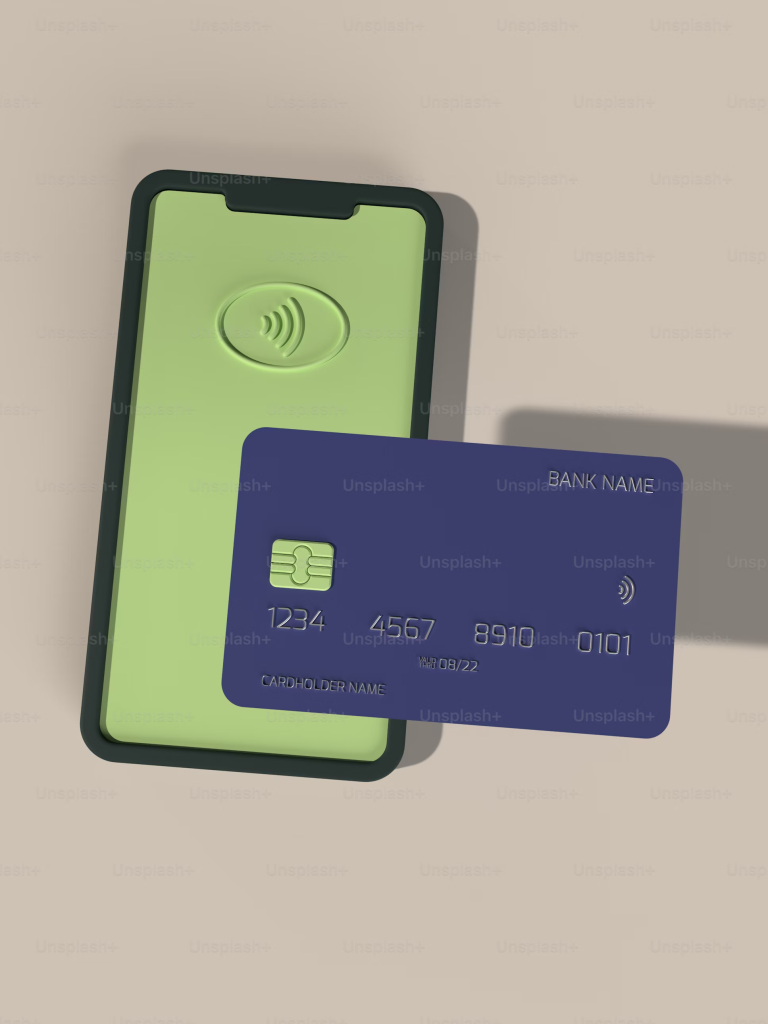
Welcome to a new episode of FamilyCyber.ie — where we share simple digital safety habits and online privacy tips for those of us who like to make life hard for the digital Voldemorts out there.
🟢 This episode is based on the original Spanish version of CiberseguridadParaFamilias.com.
It’s been translated using AI so more people can access these tips in English.
Online shopping lets us compare prices, buy from home, and get products without leaving the sofa. But scammers have also created fake sites, unreal deals, and clever tricks to steal your money and data.
Today, I’ll explain how to:
- Identify fraudulent websites
- Pay securely
- Verify what you’re buying
With just a few smart habits, you can avoid falling victim to online shopping scams.
🛒 Why Safe Online Shopping Matters
More people are buying online — and scammers are following that trend. Common schemes include:
- Fake shops that never deliver
- Clone websites imitating Amazon or big chains
- Too-good-to-be-true deals (like a flagship phone for €30)
- Unsafe payments where you’re asked to transfer directly
🕵️♂️ How to Spot Fraudulent Websites
1️⃣ Check the URL
Look for “https” — the “s” means secure. Also verify the domain name: e.g. amazon.es is real, but amazon-deals.commight be fake.
📌 Real example: In Spain, scammers copied popular brands like MediaMarkt and Zara with lookalike URLs.
2️⃣ Don’t trust super-low prices
If a product costs much less than well-known retailers, it could be a scam. Compare prices first.
📌 Real example: Some people bought allegedly discounted plane tickets that didn’t exist.
3️⃣ Verify contact info
Does the shop have a real phone number and address? Check reviews on Google, Trustpilot, or consumer forums.
📌 Real example: Fraudulent shops often use generic Gmail addresses, while legitimate ones use corporate domains.
💳 How to Pay Safely
✅ Use secure payment methods like Bizum for verified sellers, Revolut, or PayPal — they don’t share your bank info with the shop.
📌 Real example: Many scam victims transferred money directly via bank transfers or Bizum to unknown sellers on sites like Wallapop.
💡 Tip: Keep most money in your regular account and transfer only what you need into Revolut when shopping. That limits what a fraudster could access.
❌ Never share passwords or banking info
Legitimate shops will never ask for your PIN or card details by email, WhatsApp, or phone.
📌 Banks and payment platforms regularly warn about phishing attempts via SMS or email.
🔍 How to Verify What You’re Buying
✔ Read reviews — especially external ones on Google or Trustpilot.
Beware if there are no reviews — or only perfect ones, which might be fake.
📌 On platforms like Amazon or AliExpress, some sellers inflate their ratings with fake reviews.
🛡️ Bonus Safety Tips
- ✅ Ask someone you trust when in doubt
- ✅ Keep your antivirus updated — some are free and capture scam attempts
📌 Real example: Clicks on fake store links can download viruses that steal banking data
💬 Final Word
Online shopping can be safe and convenient if you follow a few smart habits: check the URL, avoid unrealistic deals, use secure payment methods, and check reviews before buying.
If you follow these tips, you’ll be better protected than most — and less likely to lose money to scams.
👉 Want to revisit this post later?
You can also find this episode on
👉 familycyber.ie — your space for clear, no-jargon digital safety.
This has been another episode of FamilyCyber.ie — where we share simple digital safety habits and online privacy tips for those of us who want to make life harder for the digital Voldemorts.